
Fygaro Links
Send a payment link when your customer is ready to pay
Create a secure payment link for an amount, product, invoice, or quote. Share it by WhatsApp, social, email, or QR so customers can pay online.
What Fygaro Links does
Give every payment request a clear way to pay
Use Fygaro Links in chat, invoices, social posts, emails, quotes, QR codes, and follow-up messages.
Chat
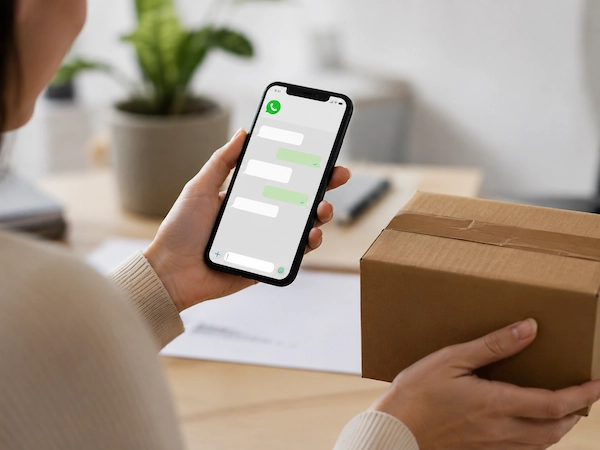
WhatsApp orders
Confirm the order and send the link when the buyer is ready.

Social selling
Instagram and social
Add the link to posts, stories, bio, ads, or DMs.
Follow-up
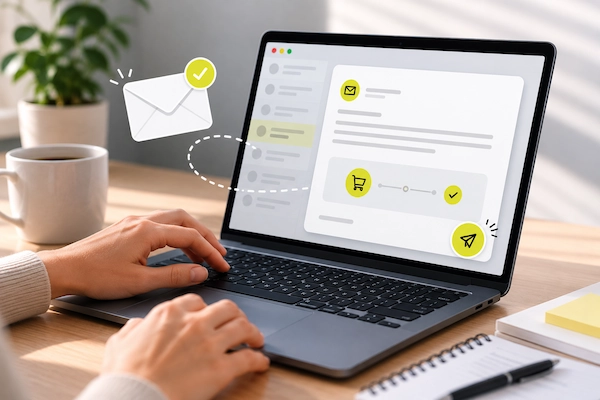
Send the payment step after a quote, booking, order, or visit.
Collections
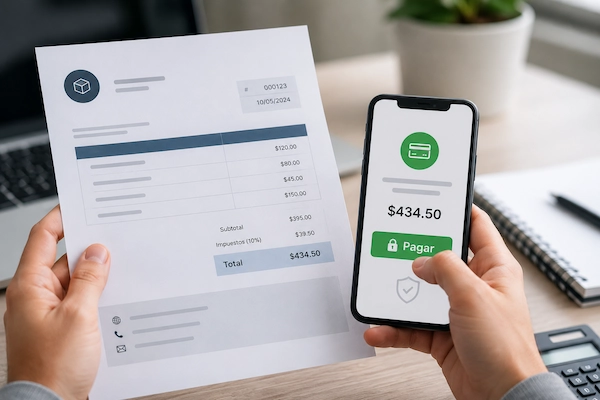
Invoice payments
Let customers pay from the invoice instead of asking for transfer details.
Fygaro's partner & integrations network
Payment links customers can trust
Each Fygaro Link opens a secure payment page where customers review the amount, pay online, and receive confirmation without bank instructions or screenshots.


 + More
Find your path
Use Fygaro Links where you already sell
Choose how you sell and see where Fygaro Links fits.
WhatsApp payments
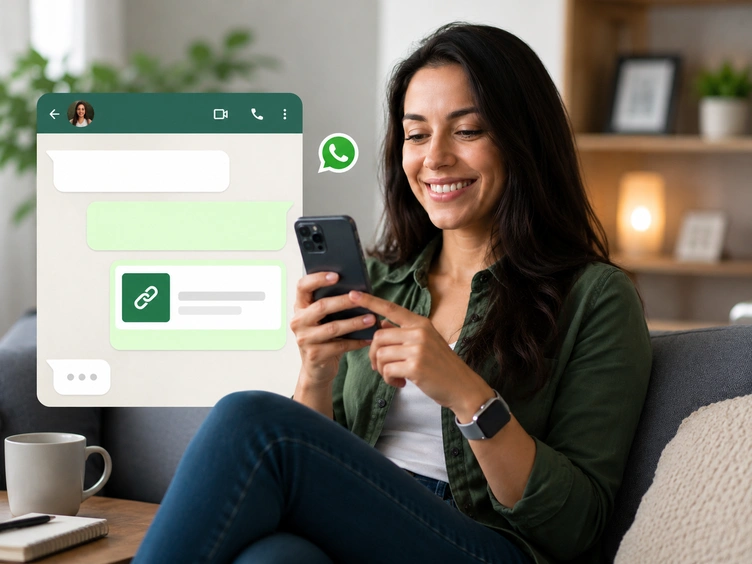
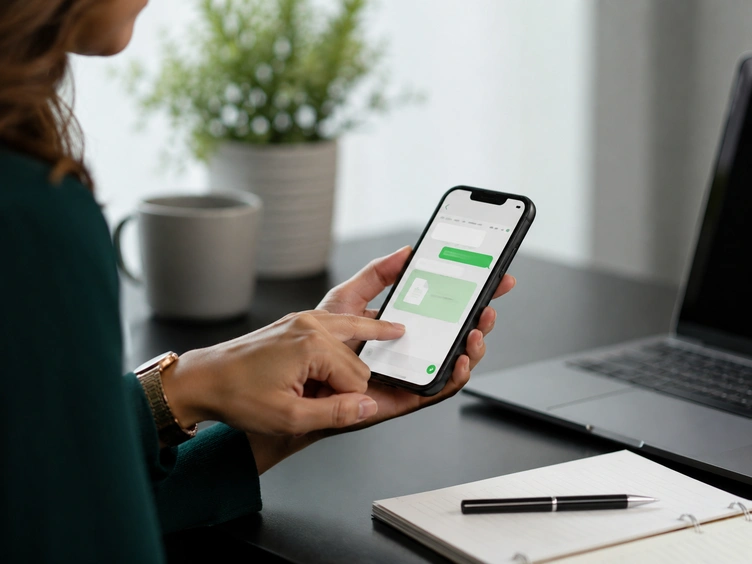
Send a Fygaro Link in the same conversation where the customer is ready to buy.
Explore WhatsApp payments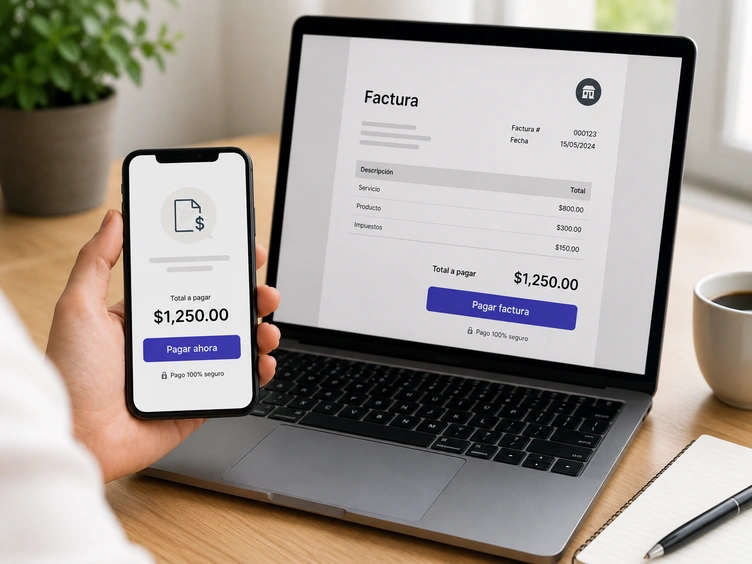
Invoice payments
Send invoices with a payment button so customers know where to pay.
Explore invoice payments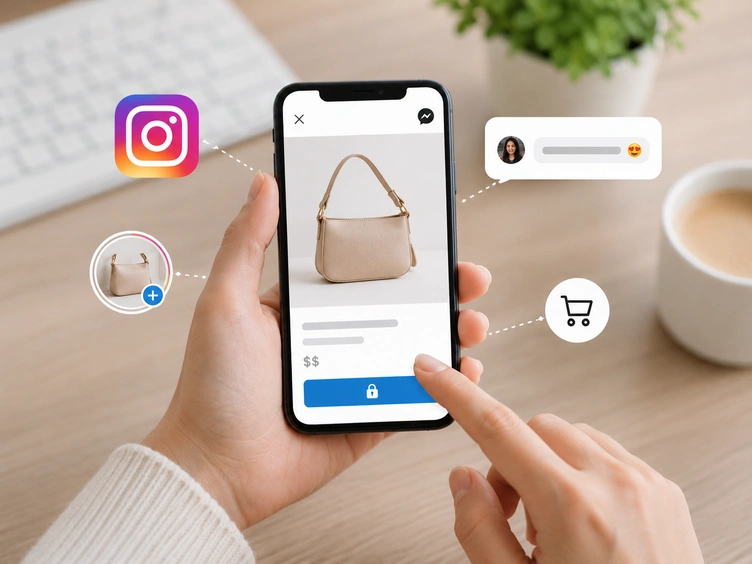
Social selling
Move buyers from Instagram, stories, or DMs into a simple checkout page.
Explore social sellingLink types
The right link for every sale
Start with one link, then add products, invoices, or recurring payments when you need them.
One-time link
Ideal for custom orders, service fees, or one-time payments.
Reusable link
One link for many customers. Use it for classes, donations, or repeat offers.
Product link
Show one item, one price, and one payment step on a clean checkout page.
Multi-product link
Let customers choose from a list of items before checkout.
Invoice payment
Add a secure payment button to any invoice, quote, or balance request.
Recurring payments
Automate billing for memberships, retainers, or subscription services.
What customers see
A clear payment page—not a list of instructions
Customers open the link, review the payment, pay online, and receive confirmation.
How it works
Create. Share. Get paid.
Set up the payment, send it, and let the buyer finish online.
Set up the payment
Set the amount, customer, product, invoice payment, or schedule.
Send it where the sale started
Share it by WhatsApp, social, email, invoice, or any message.
Customer pays online
They review the payment page, pay online, and the status stays organized in Fygaro.
Fygaro Links pricing
Start with a link, then add more when you need it
Start a free trial and set up Fygaro Links for chat, social, email, invoices, and direct payment requests.
Starts at
See current pricing
Beyond payment links
Start with Links. Add more when you need it.
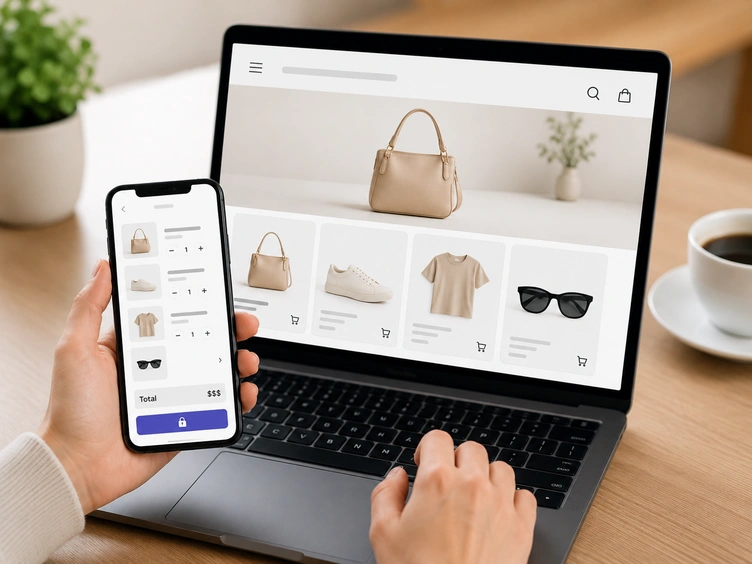
When you need more, add catalog, cart, checkout, and invoicing tools.
Questions
Simple answers before you start
Clear answers so you can set up your first payment link with confidence.
Fygaro Links
Start with Fygaro Links
Start a free trial and set up secure payment links your customers can use to pay online.